Estimated reading time: 7 minutes
Key Takeaways
- “Visual learning tools for preschool” significantly boost early childhood memory retention.
- Combining visuals with verbal cues can improve recall by up to 400%.
- Age-appropriateness, interactivity, and balanced sensory input are essential for effective learning tools.
- Technology-based “cognitive development tools” foster working memory, attention control, and problem-solving skills.
- Consistency and routine integration enhance the long-term impact of visual-based learning.
Table of contents
- Why Visual Learning Tools Boost Memory Retention in Early Childhood
- Practical Visual Learning Tools for Preschoolers
- How Cognitive Development Tools Aid Memory Retention in Early Childhood
- Top Factors to Consider When Choosing Cognitive Development Tools
- Role of Technology in Cognitive Development
- Success Stories & Anecdotal Evidence
- Conclusion & Call to Action
- FAQ
Why Visual Learning Tools Boost Memory Retention in Early Childhood
In the journey of early childhood education, “cognitive development tools” play a pivotal role in shaping how young minds acquire and retain knowledge. Among these tools, “visual learning tools for preschool” stand out for their ability to enhance “memory retention in early childhood.” These tools, encompassing a range of products, methods, and software, are designed to stimulate critical thinking, working memory, and problem-solving skills. “Visual learning software for kids,” with its interactive elements, further supports this by engaging multiple senses, thereby fostering a more profound retention of information. Research indicates that combining visuals with verbal cues can improve recall by up to 400% compared to text-only methods. For more on how educational software enhances learning, explore our insights on digital preschool software improvements.
Read More: How Digital Preschool Software Improves Child Learning, Engagement & Development
Practical Visual Learning Tools for Preschoolers
1. Flashcards with Images
Flashcards are quintessential “visual learning tools for preschool.” By using clear visuals paired with words or numbers, flashcards help nurture recognition without overwhelming children. For example, one-image-per-card strategies support category-based learning, boosting both recognition and recall.
2. Diagrams, Charts, and Mind Maps
Simple charts like weather charts and daily routines help preschoolers grasp sequences and relationships. Mind maps and diagrams, kept simple for ages 3-6, illustrate how concepts are linked, aiding in understanding and memory retention. To learn more about integrating interactive activities in early childhood education, visit our article on designing interactive preschool classrooms.
3. Educational Apps & Interactive Videos
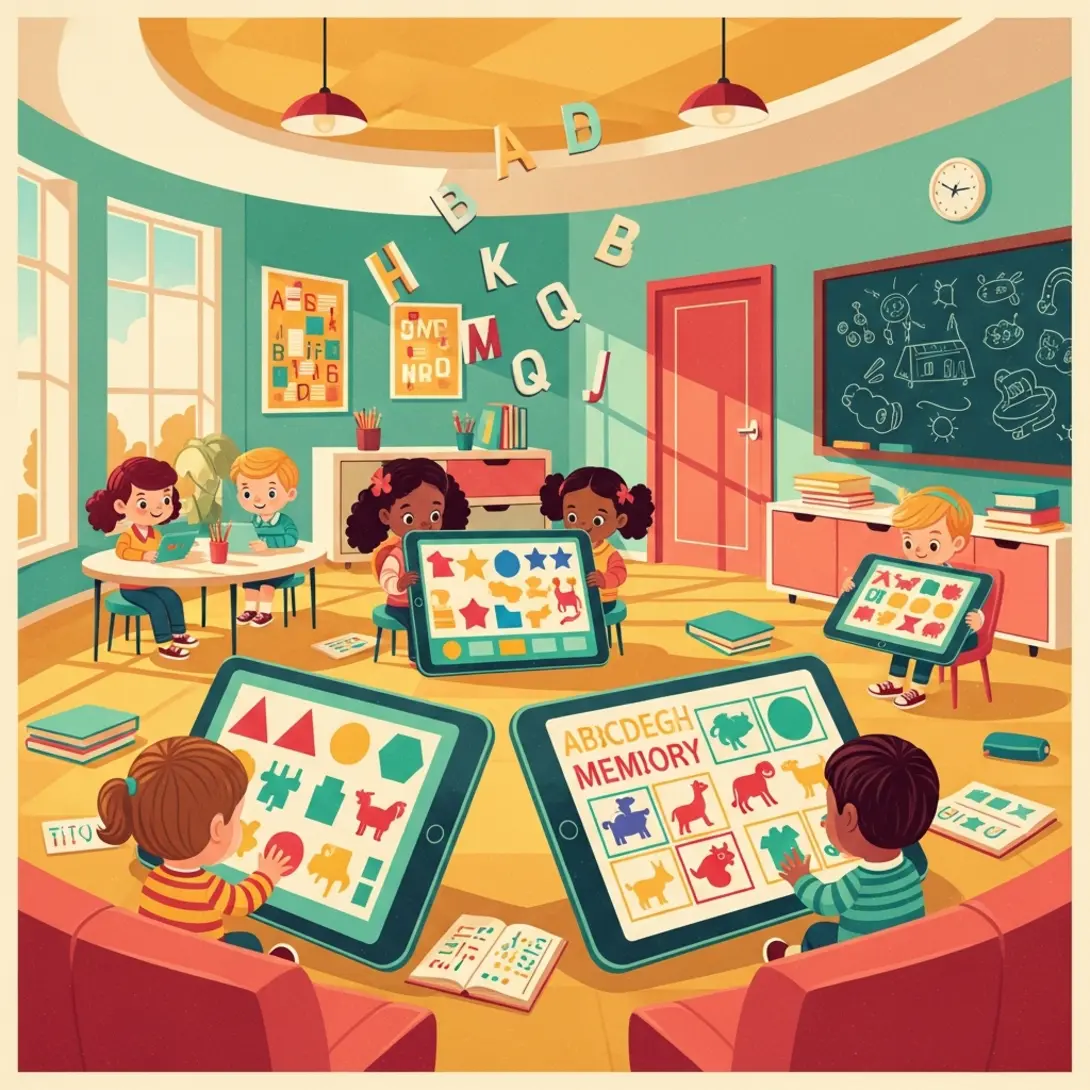
“Visual learning software for kids” such as educational apps incorporate animations, drag-and-drop features, and instant feedback to enhance learning. By incorporating repetition, gamification, and multi-sensory cues, these apps (best educational apps for preschoolers) solidify learning experiences. Additionally, leveraging technology in education offers numerous benefits, making it an indispensable part of preschool learning environments (benefits of technology in preschool education). Explore the impact of technology in classrooms and how it boosts preschool engagement.
4. Storytelling with Visuals
Storytelling combines picture books, story apps, and drawing activities to help children sequence and recall narratives. Visual aids reinforce storylines, leading to stronger memory retention of characters and events.
How Cognitive Development Tools Aid Memory Retention in Early Childhood
“Cognitive development tools” not only entertain but actively enhance working memory, attention, and language skills. Visual stimuli paired with active engagement lead to stronger encoding through multi-sensory channels, resulting in improved recall over time. Dual-coding and repetition are core drivers of this long-term retention, as emphasized in visual learning research. For insights into developing logical thinking skills through digital tools, check our section on preschool math and logic apps.
Top Factors to Consider When Choosing Cognitive Development Tools
- Age-Appropriateness: Simplicity is crucial; visuals must be bold and not overly complex for preschoolers.
- Interactivity vs. Passive Viewing: Opt for tools that allow active participation—tapping, dragging, or responding to prompts—that strengthen memory retention.
- Balanced Sensory Input: Ensure tools provide clear visuals and quality audio, free of excessive on-screen clutter.
- Expert-Backed Resources: Choose tools backed by research and developed by early childhood experts or psychologists.
- Inclusivity & Neurodiverse Needs: Visual supports are beneficial for children with language delays or developmental differences.
- Integration into Daily Routines & Systems: Consistency is key. Incorporating these tools into daily routines ensures effectiveness, aided by systems like the preschool learning management system, which can track progress and organize visuals.
Role of Technology in Cognitive Development
Technology, when used purposefully, can significantly enhance “cognitive development tools.” Properly designed technology-based “visual learning tools for preschool” can develop working memory, attention control, and executive functions, differentiating from general, non-educational screen time. Learn about the benefits of integrating technology by reading about education technology in preschool environments.
Read More: Digital Learning Tools That Improve Attention Span in Preschool Children
Success Stories & Anecdotal Evidence
Consider a scenario where a preschool child struggles to recall daily routines or letter sequences. With the help of flashcards, visual schedules, and story apps, such as those illustrated in this anecdotal evidence, outcomes include increased confidence, faster recall, and more independent behavior.
Conclusion & Call to Action
In conclusion, consistent and engaging “cognitive development tools,” such as “visual learning tools for preschool” and “visual learning software for kids,” markedly enhance memory retention and cognitive growth in early childhood. Parents and educators are encouraged to explore these recommended tools and integrate them into daily preschool routines. Explore more resources like the best educational apps for preschoolers, the benefits of technology in preschool education, and the interactive preschool LMS to enhance your child’s learning experience.
FAQ
They engage multiple senses, strengthen memory retention, and encourage active participation, which helps children learn faster and remember information longer.
Both have their place. Digital tools add interactivity and motivation, while traditional methods like flashcards and picture books offer tangible ways to reinforce concepts. A balanced blend works best.
Look for simple, bold visuals suited to preschool children. Check developer guidelines and research to confirm the tools match your child’s developmental stage.
Yes. Visual supports are often beneficial for children with language delays or developmental differences, providing clear cues and reinforcing concepts through multiple sensory channels.
